
How it works
The on-device measurement flow — playing each test clip, reading the decode and audio signals, deriving the profile, and the web vs native (mpv) differences.
The diagnostic runs on the device, through the exact playback element the app uses, because that element — not a spec sheet — is what governs whether a stream direct-plays. It plays every clip in the matrix, records what decoded, and turns the results into that device's profile.

When it runs
The diagnostic runs automatically on first sign-in, and again whenever the device is pointed at
a new server. The guide screen checks a flag and, if unset, sends the device to the diagnostic
route (apps/tv-web/src/features/guide/guide-screen.tsx, apps/tv-native/app/guide.tsx).
The measured profile lives in the server's database, keyed by a stable client-generated
deviceId (TvDevice / DeviceCapability). So the "already ran" flag is keyed by server URL,
not a plain boolean (CAPS_DONE_KEY in apps/tv-web/src/lib/device.ts): markCapsDone() stores the
current SERVER_URL, and capsDoneForCurrentServer() only returns true when that stored URL matches
the server the device is currently pointed at. Point the TV at a new Airwave server and the flag no
longer matches, so the guide re-runs the diagnostic and the new server gets this device's profile
too. markCapsDone() is also called on error or skip, so a broken run doesn't nag on every login.
You can re-run it any time from Settings → Device → Run capability diagnostic.
The manifest
The apps don't hardcode the clip list — they fetch it. getCapabilityManifest()
(packages/api/src/services/capabilities/service.ts) builds the manifest from the same
CAP_MATRIX: each row plus its url: /caps/media/<id>.<container>. The clips are served as
public, unauthenticated static files (apps/server/src/index.ts) because the TV plays them
through a bare <video src> (or mpv source), which can't attach a bearer token. A small
middleware overrides serveStatic's octet-stream with the real per-extension video MIME
(video/x-matroska, video/mp2t, …) because some TV players refuse octet-stream on the native
element. The whole diagnostic is thus self-contained in the backend: the app fetches the manifest,
then plays each url.
The run loop (web)
apps/tv-web/src/features/diagnostic/diagnostic.tsx fetches the manifest, then walks it clip by clip
through one native <video> element. For each clip (runOne):
- Set
v.muted = true(so autoplay is never blocked — theaudioTrackslist still populates while muted), pointv.srcat${SERVER_URL}${test.url}, andplay(). - On the first decoded frame (
loadeddata), let it run ~2.5s (to let dropped-frame stutter and the audio-track list settle), then snapshot. - A 10-second hard timeout catches clips that never produce a frame; an
errorevent catches decode failures.
The snapshot records two independent signals:
- Video decode —
decoded = !err && v.videoWidth > 0 && v.videoHeight > 0. A real decoded frame has real dimensions; a codec the panel can't decode leaves0×0(or fireserrorwithv.error.code). It also capturesgetVideoPlaybackQuality()dropped/total frame counts. - Audio decode — measured separately. A video-only check would over-credit audio: the clip's
H.264 video plays fine while the DTS/TrueHD/ALAC audio silently produces nothing, and a naive
check would mark the whole clip "decoded" and wrongly credit that audio. So audio is read from
HTMLVideoElement.audioTracks: the panel lists a decodable audio track for codecs it can decode and drops/disables it for ones it can't. (webkitAudioDecodedByteCountis stubbed to0on the C2's Chrome 108 and useless, soaudioTracksis the signal that works; the raw readout is kept inaudioDebugfor confirmation.)
The derived audio verdict
audioOk is not decided inline per clip — it needs a cross-clip control, so it's derived in a
second pass after the whole matrix runs:
- If a clip listed a usable, enabled audio track →
audioOk = true. - Else, if any clip in the run ever got a track (proving the
audioTracksAPI works on this panel) and this clip's video decoded but exposed no usable track →audioOk = false. - Otherwise → left
undefined(unknown). If the API is absent, or no clip ever produced a track, or the video never decoded, we refuse to guess — so a working codec is never wrongly marked unsupported.
Each result is upserted to the server as it's measured (api.capsResult → saveCapabilityResult),
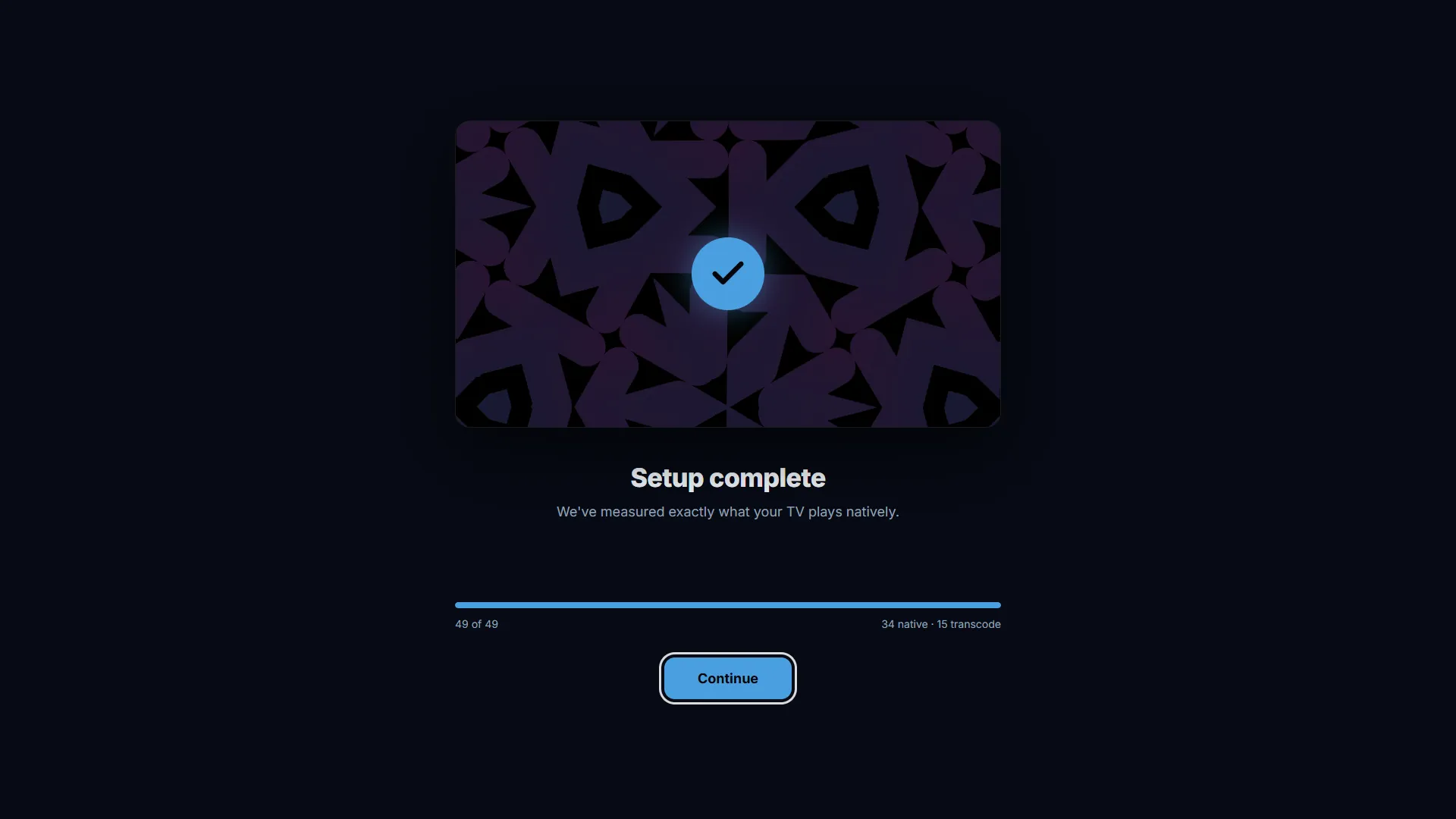
then re-sent with the derived audioOk. On screen the user sees a live progress bar and a running
N native · M transcode tally — there's no human judgment (manual subtitle/HDR verdicts exist in
the schema but the auto-run doesn't prompt for them).
The native (mpv) variant
apps/tv-native/src/features/diagnostic/diagnostic.tsx does the same measurement on the RN/mpv
client, with platform-specific mechanics:
- Decode signal comes from mpv's
onLoadMediaInfo (width/height > 0= a real parsed frame) andonError. mpv decodes essentially all audio it can open, so a decoded clip implies audio; the same cross-clipaudioOkderivation runs, but in practice it confirms broad support rather than culling. - The player is mounted fresh per clip (
source = nullbetween clips, with a short settle window) — cycling ~49 mixed-4K clips through one reused mpv instance stacks VideoToolbox decoder sessions and surfaces until it OOMs. - AV1 is skipped, not played, on Apple (
CRASHY_VIDEO_ON_APPLE = new Set(["av1"]), gated onPlatform.OS === "ios"): mpv software-decodes AV1 via dav1d, which null-crashes the whole app on iPad/Apple TV. It's recorded unsupported — which is honest, because the server-side quirk force-transcodes AV1 on those platforms anyway (see Device overrides).
The resulting map
Every clip's outcome is one DeviceCapability row
(packages/db/prisma/schema/device-capability.prisma), upserted by (deviceId, testId) so a re-run
overwrites in place. Auto-detected fields (decoded, decodedWidth/decodedHeight,
droppedFrames/totalFrames, error) come from the video element; audioOk holds the derived
verdict. Together these rows are the device's real capability map — the raw input to
the effective profile that drives playback.
Two capability sets, not one
The native <video> element (raw-file direct-play, using the panel's hardware decoder) and
hls.js/MSE (the transcode-delivery path) can decode different things. The diagnostic measures the
native decoder — that is the set that governs whether Airwave can avoid transcoding at all. The
delivery ladder then falls back to MSE only when a native attempt fails, and the transcode target it
advertises is deliberately narrow (only MSE-safe audio like AAC/MP3 survives a SourceBuffer
append).
Device capability diagnostic
Measuring what a device can actually decode instead of cataloging device profiles — and how that drives direct-play vs transcode.
Formats tested
The full CAP_MATRIX — every container, video codec, audio codec, HDR mode, performance rung, subtitle, and edge case the diagnostic measures, and what each maps to.